Free · No Install · No Upload
Add Images to PDF without Adobe Acrobat
e-Sign, Stamp, Logo, Watermark — just drag and drop. No account needed, no server upload, works directly in your browser.
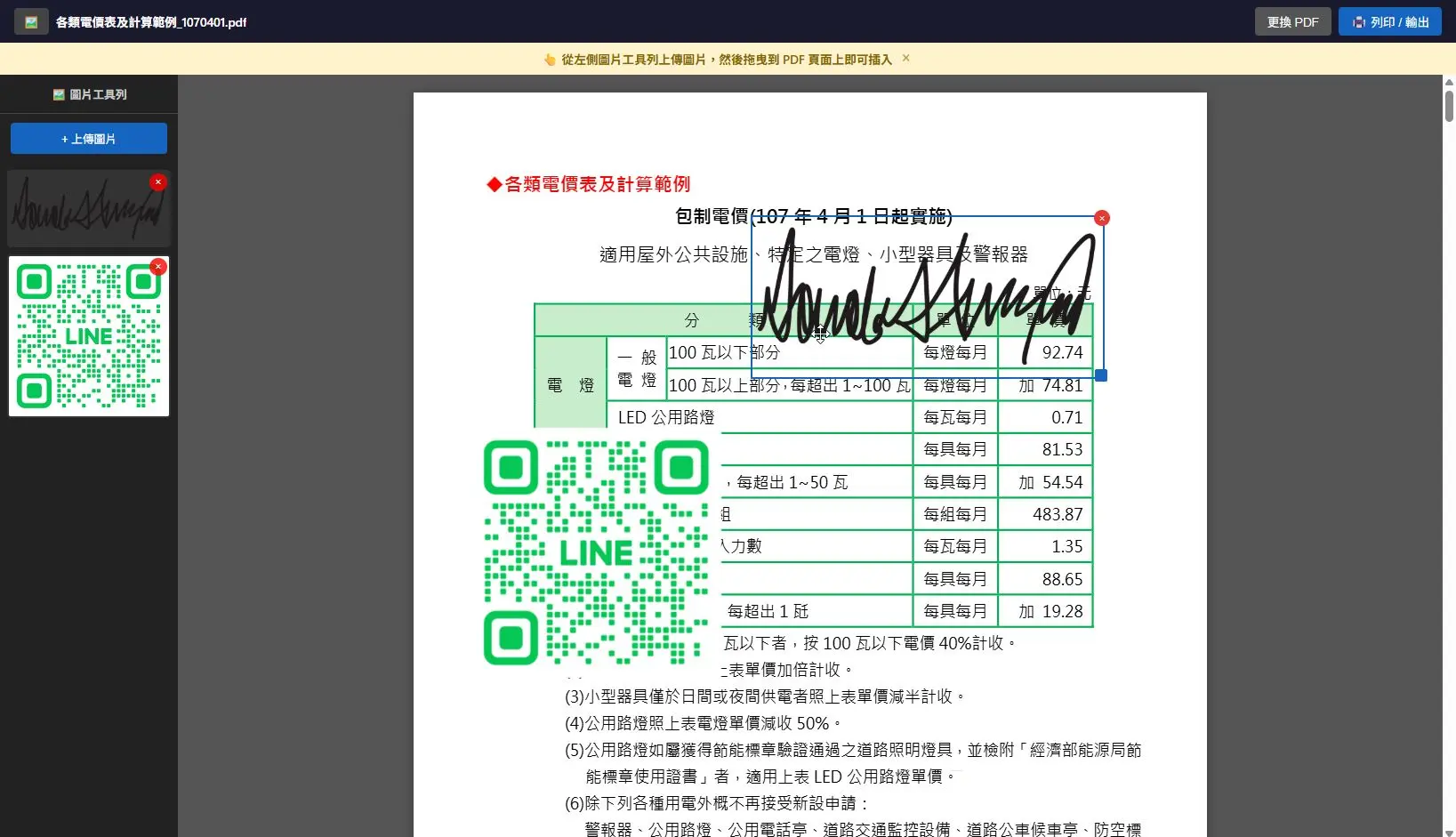
e-Sign, Stamp, Logo, Watermark — just drag and drop. No account needed, no server upload, works directly in your browser.
Alternative to SmallPDF & iLovePDF

Contracts, leases, forms — drag your signature image to sign instantly. Skip the "Print -> Sign -> Scan" loop.
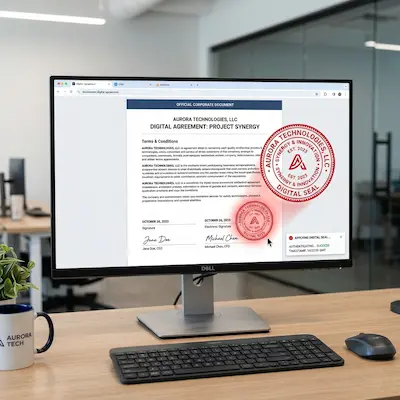
Apply company seals or personal stamps digitally. No paper needed, handle digital documents all at once.
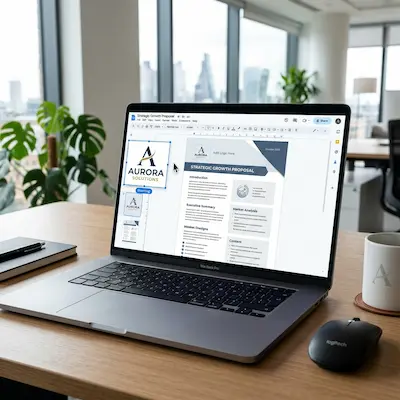
Add logos to reports, proposals, and presentations to enhance your brand professionalism.
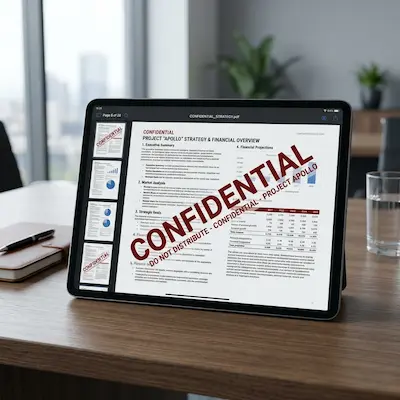
Mark confidential or draft documents on every page with image watermarks to prevent unauthorized sharing.
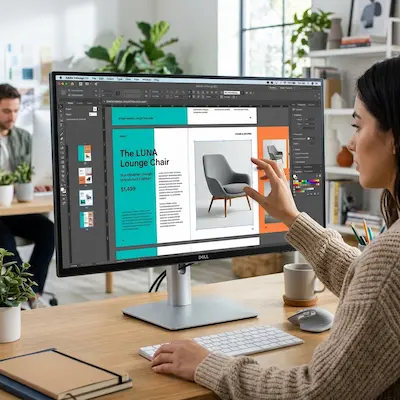
Add product images directly to quotes and catalogs without re-editing the source file.

Missing a chart? Paste screenshots of data or graphs directly onto your PDF report.
Easier than Adobe Acrobat
100% browser-side processing. PDF and images are never uploaded. More secure than SmallPDF or iLovePDF.
Place images anywhere on the PDF. Resize and move them intuitively, just like a presentation tool.
Upload multiple images (signature, stamp, logo) and place them across different pages efficiently.
Save as a new PDF via the browser's print function. No extra conversion steps needed.
No limits on file size or usage. No watermarks added to the output. Truly unlimited access.
Works on Mac, Windows, iPhone, iPad, and Android. Just open Chrome or Safari to start editing.
30 Seconds Setup
Click or drag your PDF file to the upload area
Upload signatures, stamps, or logos in the sidebar
Place images on PDF pages and adjust their size
Print via browser to save as PDF or print directly
FAQ
Privacy is the biggest difference: everything happens locally in your browser. It's also truly free — no usage limits, no watermarks, and no registration required.
Take a photo of your signature (transparent PNG recommended), upload it, and drag it to the signature line. It's that simple.
Upload your stamp image (PNG works best) and drag it onto the document. We support PNG, JPG, GIF, SVG, and WebP.
Yes, it's safe. No files are uploaded. All processing happens in your browser, so your files never leave your computer.
Quality depends on your browser's print settings. We recommend selecting "Actual Size" and disabling "Headers and Footers" for the cleanest result.
Yes. It supports Chrome, Safari, and other mobile browsers. You can edit PDFs on iPhone, iPad, and Android without installing any app.